Last updated: September 2026 · Written by Hemi
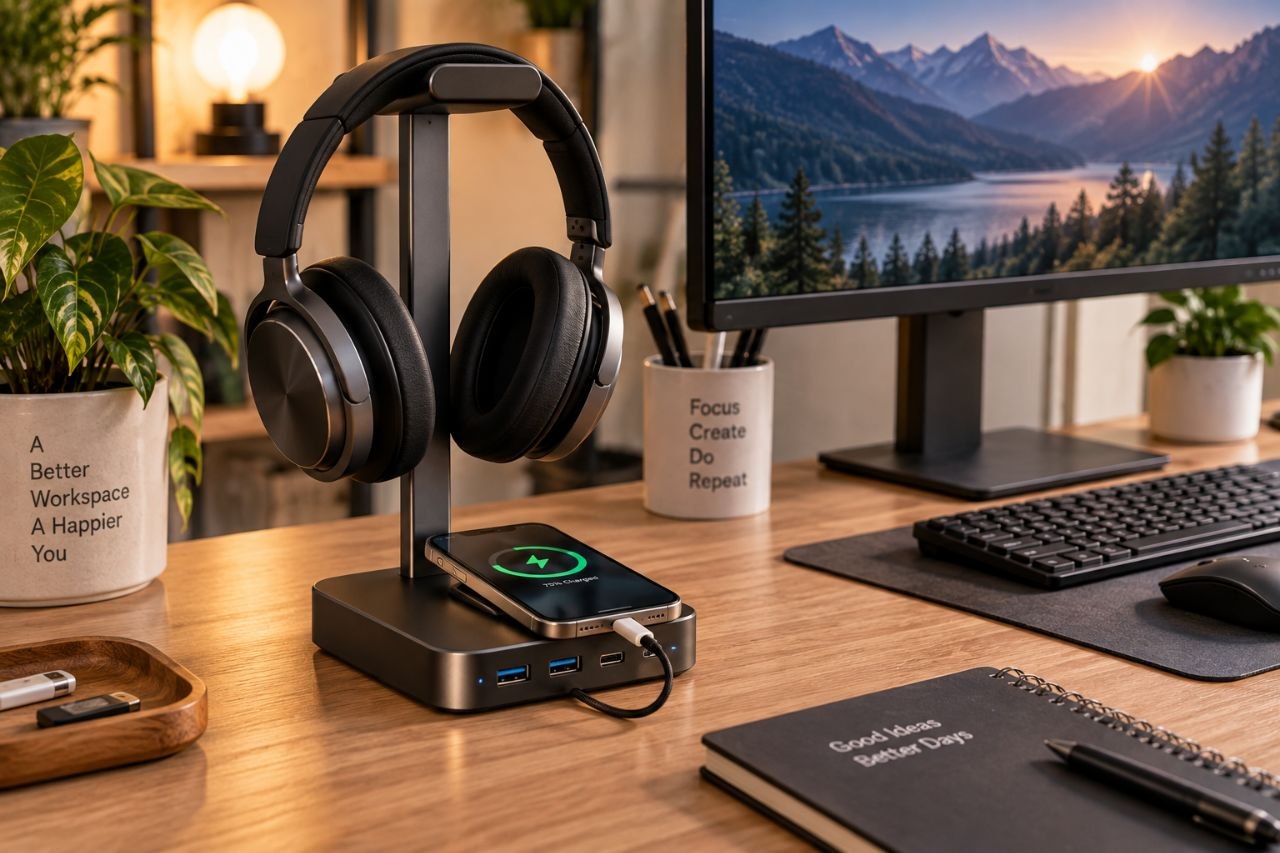
A headphone stand with a built-in USB hub sells a tidy story: protect the headset and put ports within reach. Sometimes that combo earns its footprint. Sometimes it is two mediocre products glued together. This guide extends the basic headphone-stand question by focusing on the combo form factor.
The Stand Job
A stand job is storage and shape protection for over-ear headphones — and optionally a cleaner look than a heap on the desk. If you mostly use earbuds, or you already hang headphones on a hook that works, the stand portion may be optional. The dedicated headphone-stand article linked below covers that decision in more depth.
The Hub Job
A hub job is convenient ports: phone charge, flash drive, webcam, or a dongle you refuse to crawl under the desk for. Useful when your computer ports are on the back of a tower or a sealed laptop dock far from the keyboard zone.
When the Combo Makes Sense
- You use over-ear headphones daily AND you regularly need front-of-desk USB access.
- Desk depth can absorb the stand base without crowding the mouse.
- You prefer one cable to the computer over several ad-hoc chargers.
When Separate Products Are Better
- You only need one of the two functions.
- Specs suggest a flimsy stand or a hub with unreliable power delivery.
- You already own a good dock or port replicator — another hub adds redundancy and cable mess.
A common outcome: a decent standalone stand plus a small known-good hub outperforms a cheap combo at a similar total price.
Questions to Answer Before Buying
- Do headphones live on the desk every day?
- Which exact ports do you miss — USB-A, USB-C, data, or charge-only?
- Will the hub sit near devices that are sensitive to noise or power quirks?
- Can you place it without stealing mouse space?
Shop the Hemi Life pick
2-in-1 Headphone Stand with Gamepad Holder — Check on Hemi Life.
Bottom Line
Buy the combo when both jobs are real daily needs and the unit is sturdy enough to trust. Otherwise split the functions — or skip the stand entirely if a simpler hook already works.
Power delivery matters on combo hubs. A stand hub that only trickle-charges a modern phone will frustrate you even if the headphone hook is perfect. Check whether ports are data-capable, charge-oriented, or both — and whether total wattage is published.
Audio interference is uncommon but real on poorly shielded USB devices near sensitive interfaces. If you record audio at the same desk, test the hub under your real workload before committing desk space permanently.
Cable length from hub to computer matters on small desks. A short upstream cable yanks the stand when you scoot in; an overly long cable becomes new clutter. Route the upstream cable with the same under-desk discipline you use for power strips.
If your headphones are heavy flagship cans, look at hook diameter and base weight. A lightweight plastic hook that collapses under the headset fails the stand job regardless of how many USB ports it offers.