Last updated: September 2026 · Written by Hemi
Not every improvement requires a new chair or a new desk. Small geometric changes — monitor angle, foot support, keyboard distance, lamp aim — often remove a surprising amount of daily friction. This article is about those small wins: what to try first, what stacks well, and when small changes are no longer enough.
Why Small Wins Matter
Large purchases feel decisive, but discomfort often comes from a few centimetres of mismatch. Adjusting what you already own is faster feedback than waiting for a delivery. It also teaches you which problem is real before you spend.
Monitor Angle and Distance
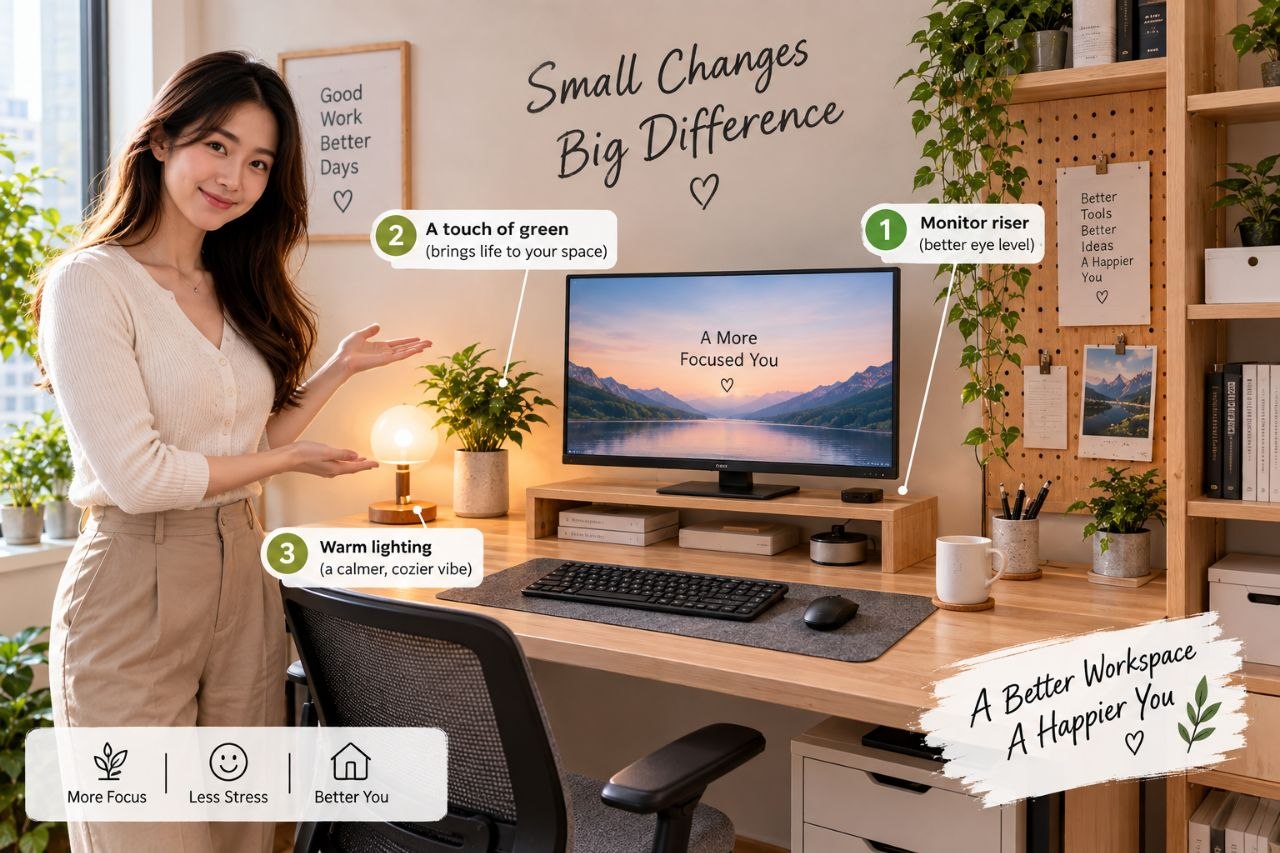
Tip the screen so it is roughly vertical or slightly tilted back, at a distance that lets you read without leaning. If you look down steeply, raise the display before buying anything else. A simple riser trial (even books for a week) is enough to test the hypothesis.
Foot Position
Unsupported dangling feet after you raise a chair to match a high desk is a classic hidden issue. A footrest — or a stable box — can restore support. If standing is part of your day, fatigue mats are a different tool; do not confuse seated foot support with standing comfort products.
Keyboard Distance
Pull the keyboard closer so elbows stay nearer your sides instead of reaching forward. If the desk depth forces a stretch, clear clutter in the near zone before shopping for exotic input gear.
Lighting Aim
Move existing lamps to reduce screen glare and hand shadows. Often the lighting problem is placement, not the absence of a new device.
Which Improvements Stack
- Raise screen, then re-check keyboard distance.
- Raise chair for desk height, then re-check feet.
- Fix glare, then re-check brightness — people often over-brighten screens in dark rooms.
When Small Wins Are Not Enough
If pain persists after geometry looks reasonable, or if the chair itself cannot support you, small tweaks will not replace a real furniture change. That is also where good-enough vs premium decisions belong — covered in the companion article.
Shop the Hemi Life pick
Desk Cable Management Kit — Check on Hemi Life.
Bottom Line
Change the cheapest variables first: height, distance, angle, support. Use purchases to solve remaining gaps you can name clearly — not to skip the fitting process.
Write down the change you made and how the next workday felt. Without that note, people forget which tweak helped and buy products for problems they already solved.
Small wins also include software habits: larger UI scaling, darker editor themes in dark rooms, and calendared breaks. Hardware cannot carry the whole comfort load.
Try one change per day for three workdays before adding the next. Parallel tweaks make it impossible to know what helped.
If a small win helps only for an hour, the root cause is still open — for example, a monitor raise that helps neck pain but leaves a too-high desk punishing wrists.
Keep a tiny sticky note on the monitor edge with this week’s single experiment — for example, “screen +3 cm.” Remove it when the trial ends so the desk does not become a shrine of abandoned hacks.