Last updated: September 2026 · Written by Hemi
Your desk lamp does more than light a corner of the desk. It changes how hard your eyes work over a long session, how much glare hits the screen, and whether you finish the day with a headache. Most people pick a lamp that looks fine on a shelf. The better approach is to treat lighting as a tool with a few measurable criteria.
Why Desk Lighting Causes Eye Fatigue
When the screen is bright and the desk around it is dim, your eyes keep adjusting between two very different light levels. That mismatch is a common driver of mid-afternoon strain — dry eyes, blurred focus, and a dull pressure behind the eyes.
A second problem is glare. A lamp aimed at the wrong angle can bounce light off the screen or create a bright hotspot next to a dark keyboard zone. The lamp is rarely “bad” on its own. The mismatch between brightness, colour temperature, and placement usually is.
Colour Temperature for Desk Work
Colour temperature is measured in Kelvin (K). It describes how warm or cool the light looks:
- 2700K–3000K (warm): Comfortable for evening reading, but often too soft for detailed daytime work.
- 4000K–4500K (neutral white): A practical range for most desk work — clear without feeling harsh.
- 5000K–6500K (cool daylight): Can feel alert and crisp, but some people find it fatiguing after many hours.
An adjustable lamp is useful because your needs change. Neutral light for focused daytime work, warmer light as evening arrives, is a more realistic pattern than one fixed setting.
What to Look for in a Desk Lamp
- Adjustable colour temperature — ideally spanning at least ~3000K to ~5000K.
- Continuous dimming — on/off brightness steps are less useful than a smooth range.
- Flicker-free LED drivers — cheap drivers can contribute to discomfort even when flicker is hard to see.
- CRI around 90+ — higher colour rendering makes paper and object colours look more natural.
- A flexible arm or gooseneck — so you can move the beam without moving the whole base.
- A stable base or clamp — a lamp that tips when you bump the desk becomes unused quickly.
Placement Rules That Matter More Than Brand
Put the lamp on the opposite side of your writing hand if you take notes by hand — that reduces the shadow your hand casts on the page. Keep the beam off the screen surface. Avoid parking the lamp directly behind the monitor, where it can create a bright halo around the display.
Layered lighting beats a single harsh source. Overhead ambient light plus a controlled task lamp is usually easier on the eyes than one bright lamp in an otherwise dark room.
When a Desk Lamp Is the Wrong First Buy
If your main complaint is glare on a glossy screen, a monitor light bar may solve that problem more directly than a brighter side lamp. If the room is simply dark, fix ambient light first. A lamp cannot compensate for a desk that faces a harsh untreated window all afternoon.
How This Fits a Broader Setup
Lighting sits beside chair height, screen height, and keyboard position. Fix those together. A good lamp on a desk that forces you to look down at a laptop still leaves strain on the table.
Honest Limits
This guide is a criteria and placement framework based on common workstation practice. It is not a medical guide, and no lamp “prevents” eye disease. If you have persistent pain, vision changes, or headaches, that belongs with a qualified professional — not a product page.
Shop the Hemi Life pick
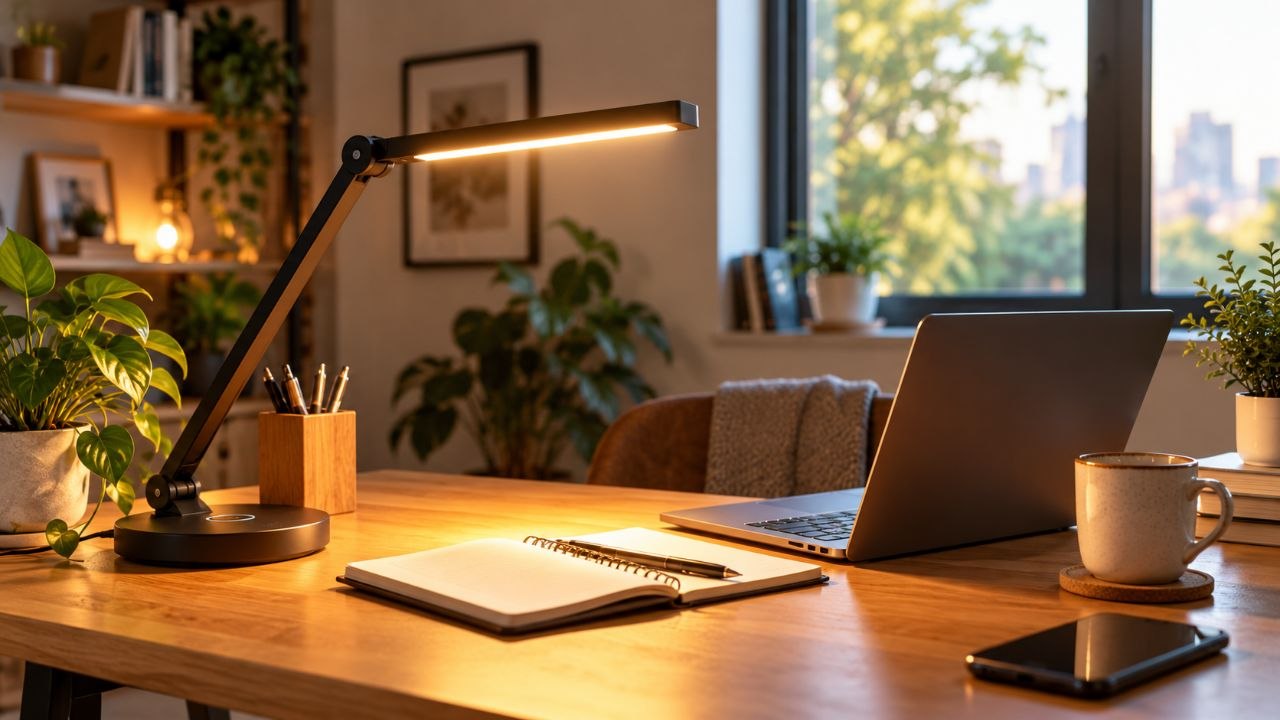
LED Desk Lamp — Check on Hemi Life.
Bottom Line
Choose adjustability and placement over decoration. Neutral-to-warm range, real dimming, and a beam you can aim away from the screen will do more for daily comfort than a stylish fixed lamp.